


 DE
DE 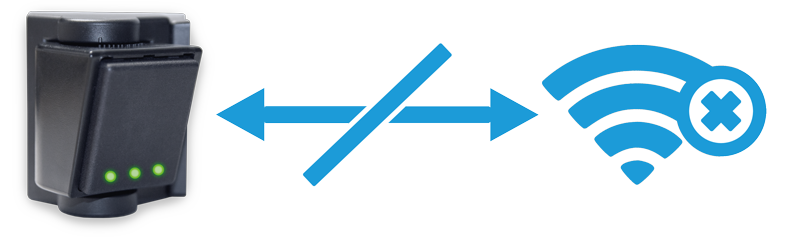
You are not connected to the WLAN of the radar sensor
Please make the following settings to connect to the device
- Open the WiFi connection on your device
- . Search for the SSID of the radar sensor and log in with the password. The password can be found on the sticker on the evaluation unit
SSID: ELKA_RADAR_XXX (XXX = 001 bis 999)
Password: See evaluation unit sticker
Once you have successfully connected to the WiFi, you can call up the URL of the radar sensor‘s web interface using any Internet browser: radar.elka.eu
If the problem persists, please contact our support team.